 , the help button
is under construction and the exit tool
go ... nowhere. The back and next button from the internet toolbar is better to go back to the home page.
, the help button
is under construction and the exit tool
go ... nowhere. The back and next button from the internet toolbar is better to go back to the home page.
Be careful about outputs tools , the help button
is under construction and the exit tool
go ... nowhere. The back and next button from the internet toolbar is better to go back to the home page.
I can use three kind of tools to move in the map :
The zoom tool, the hand tool and the reframed tool

The corners
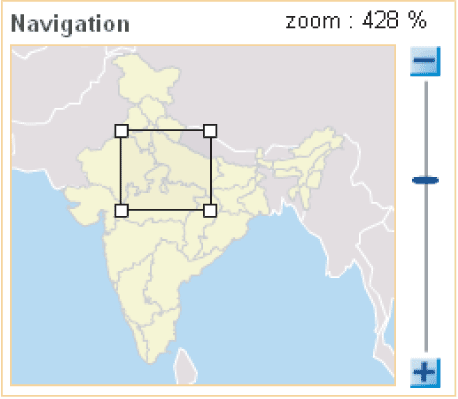
The navigation window : You can use the  and the
  tools or directly zoom and move on the navigation map
The zoom tool allow to join an interesting zone, Kerala for example. I am using the mouse to dimension correctly the rectangle selection.
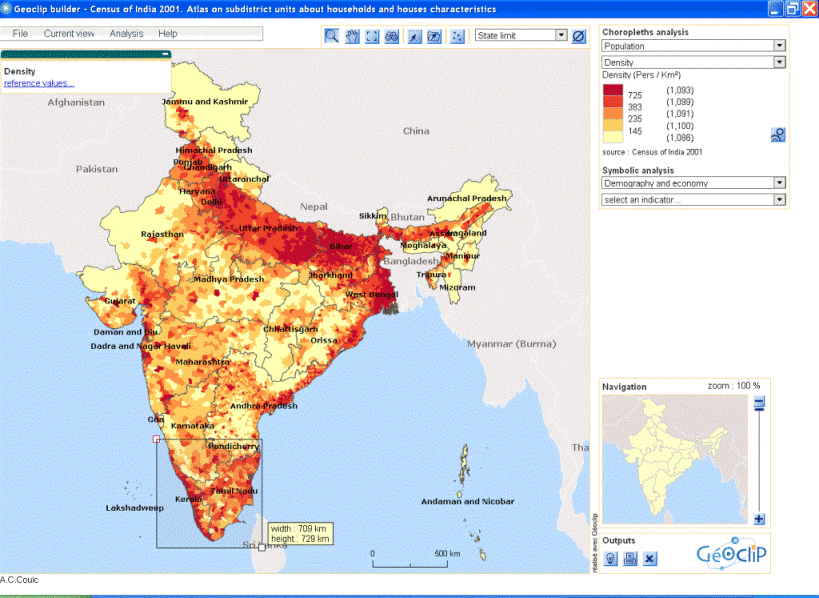
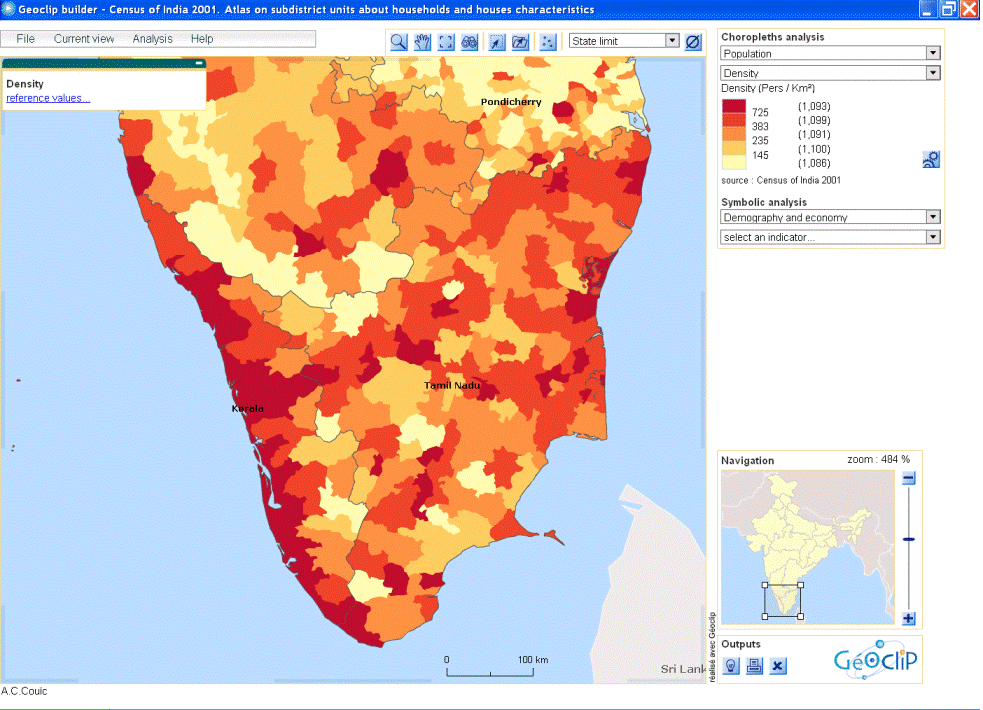
Then, the frame tool allow to go back to the initial frame. Viewing is automatically adjusted in the navigation windows.
There is two selection layers : Million cities and tehsil.
The other layer help me to localise the information.
For district limits and state limits, each zone is interactive, i can select one sate and all the tehsil which compose it are selected.
Only Million cities layer and state layer got labels which appear when zoom is over 200 %.
State or district limits can be over at any time during the using with this tool

I can displace labels on the cities, the indian state and asian sate to improve visibility of information
With the parameters button
 , I can change colours, I can hide features 'stroke (recommended for best visibility !) to allow best visibility
I am interested to the density of Dehli state.
If i select Delhi state when state limits selected, all tehsil and cities which compose dehli state appear in a table called « Information about selection ».
I can export in excel shift, register , zoom on, or deselect the selection with the four tools here.
I can expand the selection with the shift button on the keyboard.
The table indicate the total line number of the selection.
I can move the windows on the selection with the “zoom selection tools”
Tables and maps are in dynamics links : I can click on the head of the column in order to range it in alphabetical or growing order. I visualise the first one in clicking in the table on the first shifts which got the bigger density.
I can register selection with the “register tools”. I give a name to my selection and I can find it later with the remember selection tool
 .
.
I can replace the table with information about selection if it hide a part of my selection.
With the research tool
 , i can found all the unit (cities or tehsil) which name contain the keyword “Delhi”.

The unroll list give me all the tehsil which are containing by the state.
The advanced mode permit to localise zone with 2 or 3 conditions on an indicator :
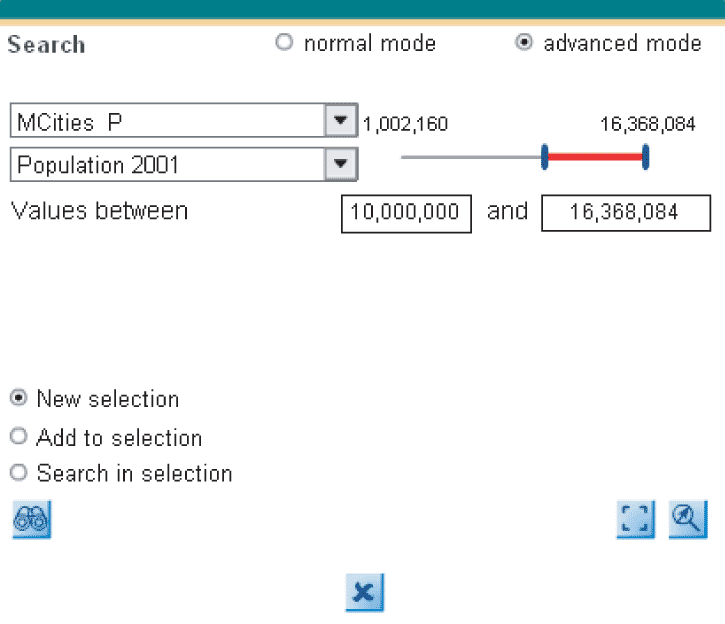
For example, i'm looking here which cities got more than 10,000,000 persons. I can add to the past selection or add to the current selection, or build a new selection.
I chose indicators between to methods :
Choropleth analysis for relative data (%), I chose the theme and then, under the theme (population) I chose the Indicators (Density)
Symbolic analysis for quantitative data (number), I chose the theme and then, under the theme (demography and economy) I chose the Indicators (Workers)
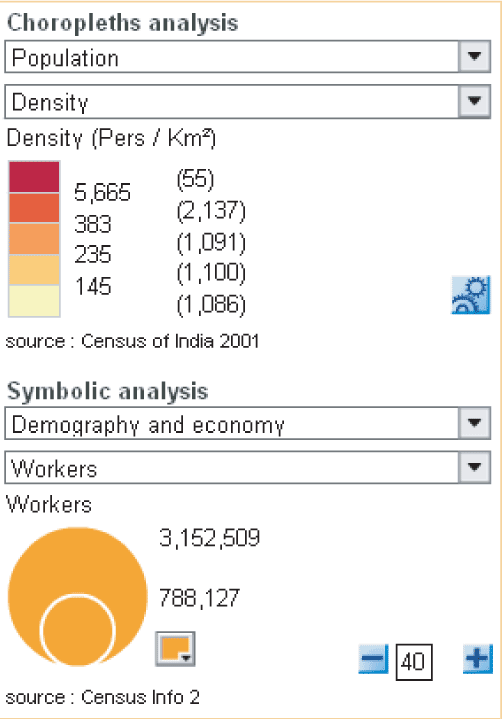
I can modify the circle colour.
I can make appear the two methods in the same time. Legend is always adapted and reactive.